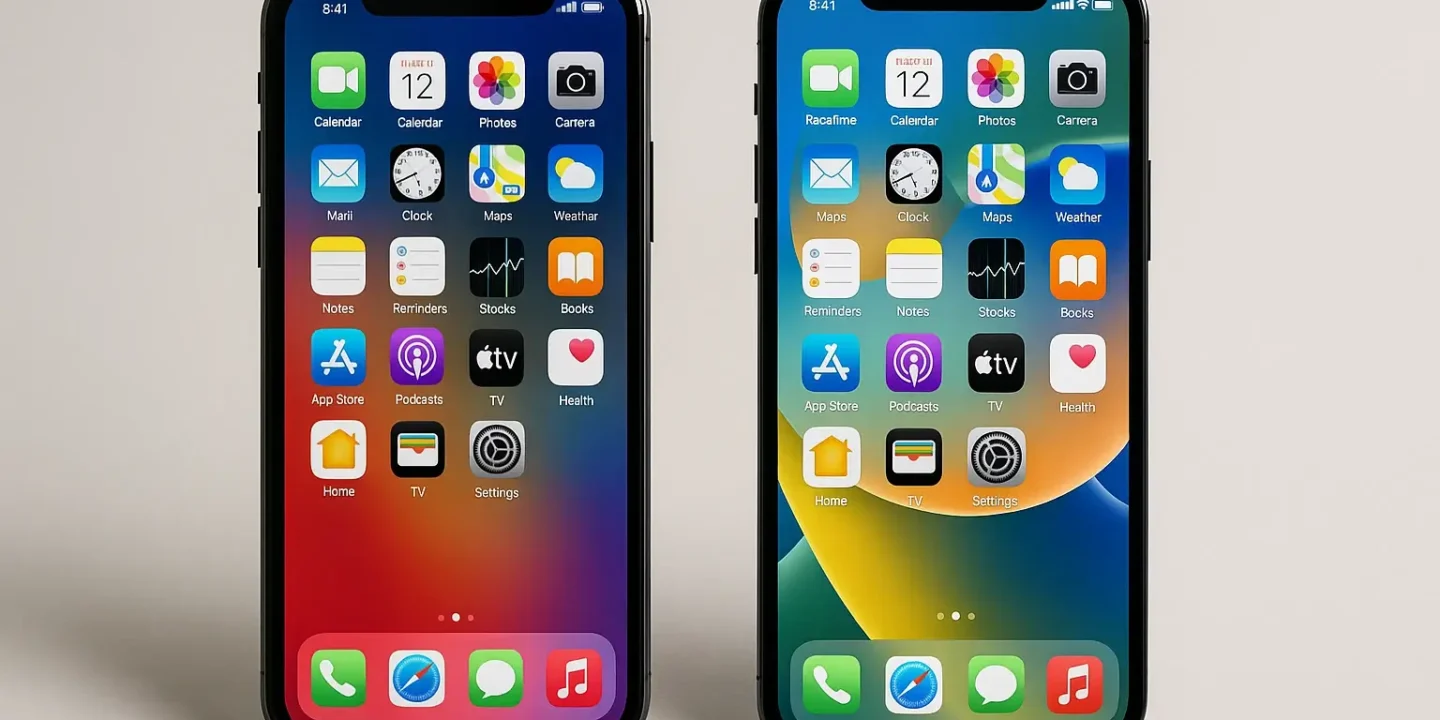

Smartphone repairs cost hundreds of pounds. Screen replacement might cost £200+. Battery replacement £80+. Water damage repair £300+. Yet most damage is preventable through simple maintenance practices. Rather than spending £800+ replacing phones damaged by negligence, invest minimal effort protecting devices that already cost significant money. Phone Factory explains maintenance practices that prevent expensive repairs and extend smartphone lifespan years beyond typical usage.
Screen Protection: The Single Most Important Investment
Screen replacement represents the costliest single repair. A dropped phone hitting concrete often survives intact except for shattered screen—then the repair costs almost as much as buying new. Quality screen protectors cost £10-20 and prevent this entirely. They sacrifice themselves instead of your phone’s actual display. This simple preventative measure saves hundreds on repairs. Phone Factory recommends tempered glass protectors balancing protection, clarity, and ease of use.
Cases provide secondary protection. While cases don’t prevent screen damage from direct drops, they cushion impact and distribute force reducing damage probability. Quality cases cost £20-40 and frequently prevent hundreds in damage repair.
Battery Degradation: Understanding What Destroys Phone Batteries
All rechargeable batteries degrade with time. This is inevitable. However, degradation rate varies dramatically based on usage patterns. Extreme temperatures accelerate battery degradation. Fast charging repeatedly degrades batteries. Using phones while charging generates heat that destroys batteries. Charging phones overnight continuously stresses batteries. Phone Factory recommends simple practices preventing accelerated degradation: avoid extreme temperatures, charge at slower speeds when possible, unplug phones when fully charged, keep phones cool during heavy usage.
These practices extend battery lifespan significantly. A battery might degrade to 80% capacity in two years through poor habits, yet maintain 90% capacity over three years through smart practices. Three-year battery performance determines whether you’re satisfied with your phone through its lifespan.
Water Damage Prevention: The Expensive Mistake Most People Make

Water damage kills phones. Yet water damage is often preventable. Modern phones claim water resistance yet this is limited. Rain and splashes are fine. Submersion isn’t. Swimming with phones guaranteed damage. Bathroom usage over sinks risks catastrophic damage. Even water-resistant phones fail if seals are compromised. Phone Factory recommends basic practices: keep phones away from water sources, use protective cases providing additional sealing, avoid bathroom use over sinks or bathtubs, never take phones swimming despite water-resistance marketing.
Water damage repairs cost hundreds and frequently total phones. Prevention through simple caution prevents this entirely. Your phone isn’t waterproof—it’s water-resistant within specific conditions. Respecting these limits prevents expensive mistakes.
Software Maintenance: Updates Prevent Performance Degradation
Phone performance degrades if software becomes outdated. Updates patch security vulnerabilities, fix bugs, optimize performance, and enhance features. Ignoring updates causes security risks and performance problems accumulating over time. Phone Factory recommends installing updates promptly, ideally immediately upon availability. Updates maintain security, extend phone performance lifespan, and prevent the slowdowns that frustrate older phones.
Additionally, clearing cache periodically, deleting unused apps, and managing storage usage prevent the software bloat that degrades performance. Simple maintenance maintains smooth performance throughout the phone’s lifespan.
Storage Management: Preventing Storage-Related Slowdowns
Filling phones completely with storage degrades performance. Operating systems need workspace to function efficiently. Phones filled to capacity slow noticeably. Phone Factory recommends maintaining at least 15-20% free storage capacity. Delete old photos to cloud storage, uninstall unused applications, clear cached data, remove old messages. This maintenance preserves performance throughout phone lifespan.
Additionally, cloud storage (photos, documents, files) means you don’t need 256GB storage costing £100+ extra. Managing cloud services keeps local storage requirements reasonable and performance acceptable.
Heat Management: Preventing Thermal Damage
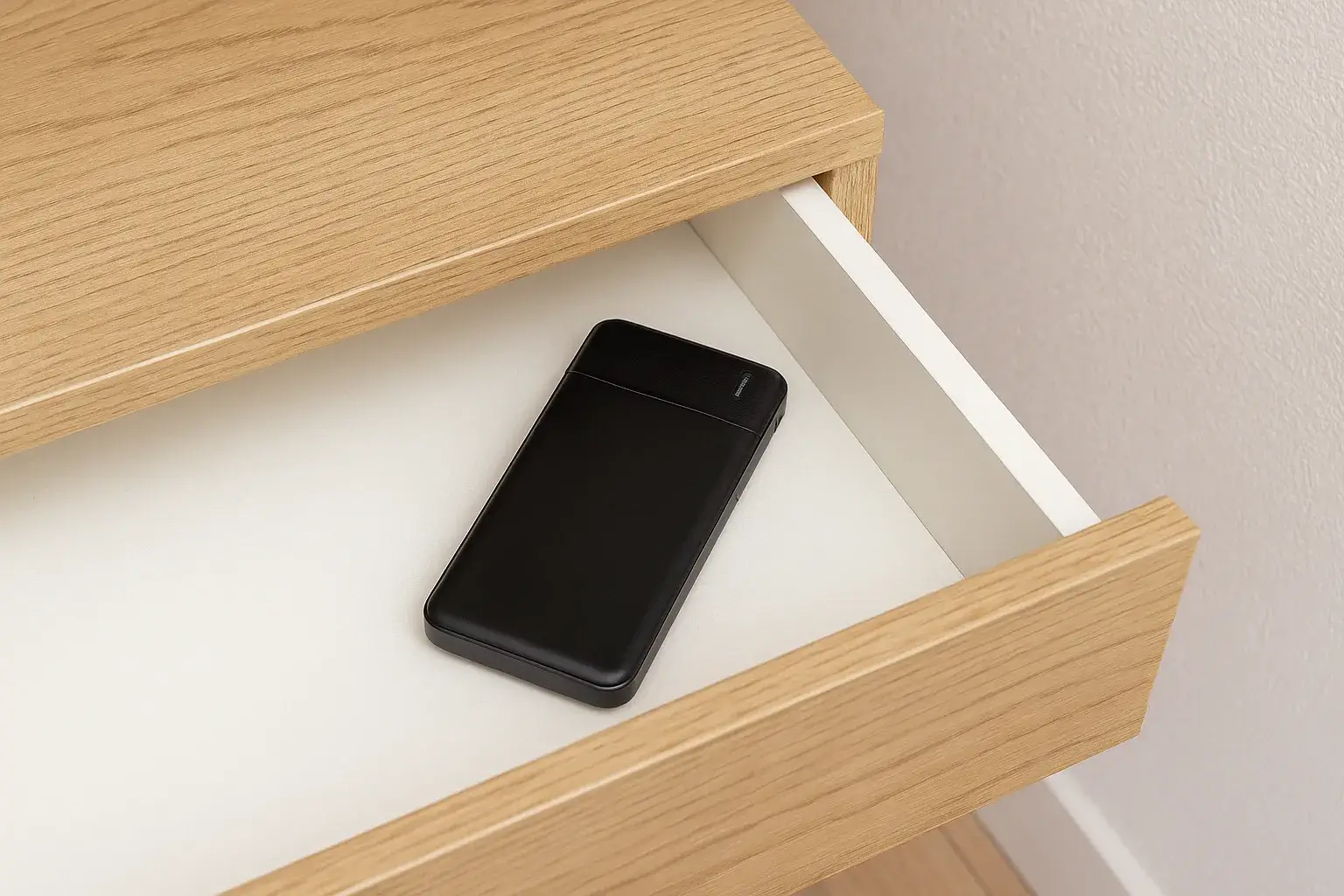
High temperatures damage batteries, processors, and screens. Gaming or video streaming while charging generates heat that damages components. Using phones in hot vehicles accelerates degradation. Phone Factory recommends removing thick cases during heavy processing to allow heat dissipation, avoiding gaming or video streaming while charging, keeping phones out of hot environments. Simple thermal management extends component lifespan dramatically.
Button and Port Care: Preventing Mechanical Failures
Ports and buttons fail through wear and environmental damage. Repeatedly forcing charging ports causes failure. Allowing dust accumulation damages mechanical buttons. Phone Factory recommends using charging ports carefully, storing phones in clean environments, protecting charging ports with protective covers, cleaning ports gently with compressed air if dust accumulates. These practices prevent mechanical failures that require expensive repairs.
Regular Professional Inspection: Catching Problems Early
Professional phone inspection identifies potential problems before they become catastrophic. A technician can identify battery degradation before it fails, spots cracks before they spread, detects charging port corrosion before failure occurs. Phone Factory recommends annual inspection if you use phones heavily or want to maximize longevity. Small preventative repairs cost far less than major fixes from catastrophic failures.
Maximizing Your Phone’s Productive Lifespan

Implement simple maintenance practices: use quality screen protectors and cases, protect batteries through smart charging, avoid water exposure, keep software updated, maintain free storage, manage heat, protect ports and buttons. With these practices, your phone remains responsive, functional, and satisfying for 4-5 years rather than degrading into frustration after 2-3 years. Contact Phone Factory for professional maintenance guidance, repairs keeping your phone functioning optimally, and expert recommendations on protection strategies. A little prevention prevents expensive repairs and extends the phone’s lifespan you’ve already invested in significantly.

Sienna is the creative visionary behind Posh Journey Style. With a background in fashion and a passion for global exploration, she curates the perfect blend of luxury travel, cutting-edge technology, and timeless beauty. Sienna believes that true style is found in the details, inspiring readers to elevate their daily lives with elegance and innovation.